 Quantum AI
Updated for 2027 · 🇨🇦 Canada
Quantum AI Canada: The AI Trading Platform Built for Everyday Canadians
By Quantum AI Canada Editorial Team · Last updated
Quantum AI is an AI trading platform launched in 2023 that helps Canadian beginners and intermediate traders trade stocks, forex, crypto and commodities automatically. Its algorithms scan markets around the clock, place trades within your risk limits and explain every move in plain English. Registration is free, the minimum deposit is about $250 CAD, and a demo mode is included.
- $250min. deposit (CAD)
- 24/7market scanning
- 5 minregistration
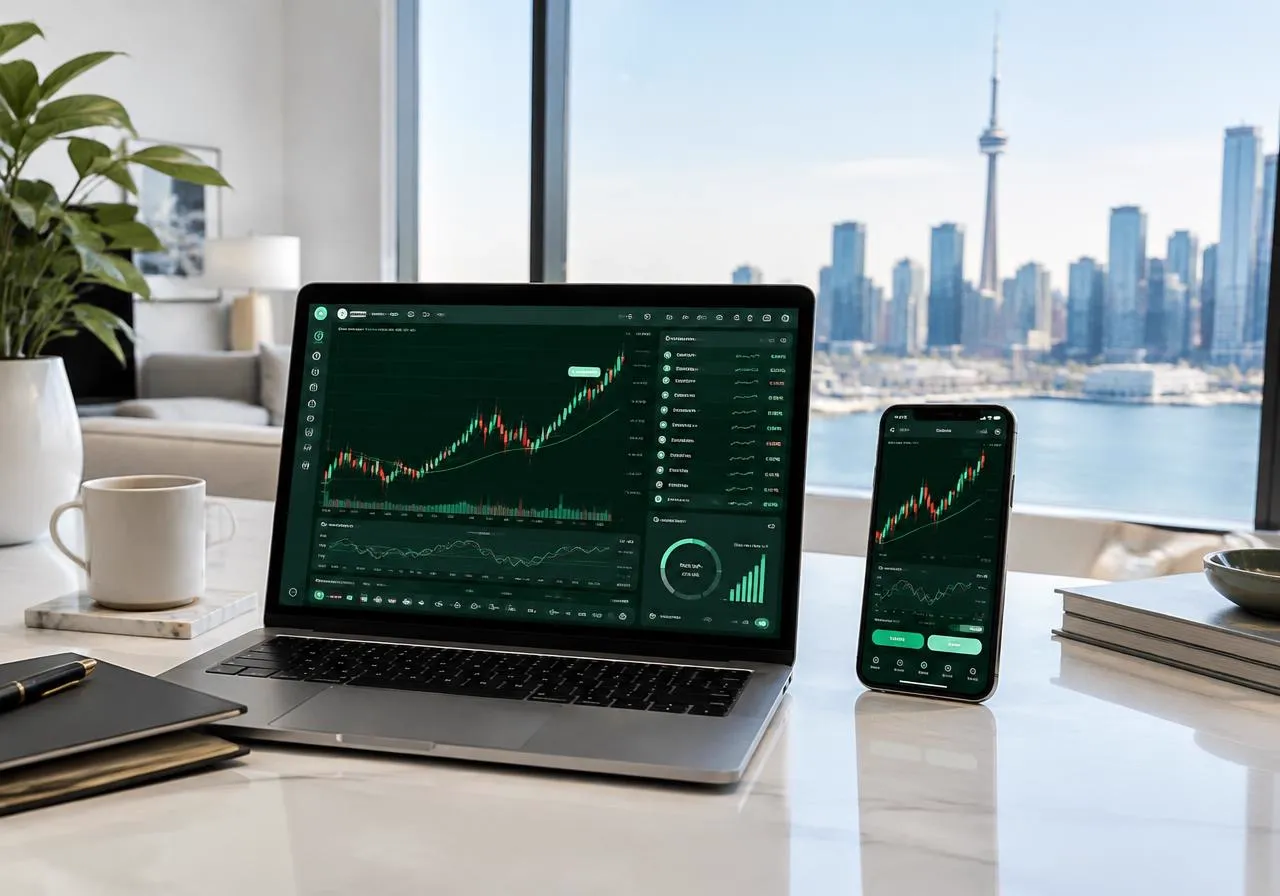
Quantum AI Canada Overview: A Quick Look at the Platform
Quantum AI is an automated AI trading program that went live in 2023 and has since grown into one of the most talked-about AI trading tools in Canada.
Let me be upfront. When I first heard about the Quantum AI Canada platform, I rolled my eyes a little. Another “AI” trading tool? The market is crowded with them. But after spending real time with it — demo first, then a modest live account — my opinion shifted. Not overnight. Gradually.
The team started building Quantum AI Canada in 2021, mixing machine-learning researchers with people who'd actually spent years on trading desks. The public launch followed in 2023, and the 2027 version you see today is the result of several big upgrades: faster execution, a cleaner Quantum AI app, and far better risk controls.
The idea is simple. Most people don't have six hours a day to stare at charts. Quantum AI does the staring for you, then acts based on rules you set. That's it. No magic, no mystery.
What Is Quantum AI Canada?
Quantum AI is software that uses artificial intelligence to analyse financial markets and place trades on your behalf through regulated partner brokers.
Think of it as a very fast, very patient assistant. It reads price data, news sentiment and historical patterns, then decides — within your limits — whether a trade looks worth taking.
You stay in charge. You pick the assets, the amount per trade and how cautious you want it to be. If you want to switch AI trading off on a Tuesday afternoon because you're nervous about an interest-rate announcement from the Bank of Canada? One tap. Done.
It's worth clearing up one thing that confuses people: there is no “Quantum AI stock” to buy. Quantum AI is a private platform, not a listed company. What you can do is use it to trade stocks and other assets.

Why Quantum AI Canada? Why Canadians Are Choosing It
Canadians choose Quantum AI because it removes the steep learning curve of trading while keeping costs, risk and control in the user's hands.
Here's a micro-story. A reader from Halifax — let's call her Priya — told me she'd tried learning technical analysis three times. Each time she gave up around week two. Candlestick patterns, RSI, MACD… it just didn't stick. With Quantum AI she ran the demo for a month, read the trade explanations, and, in her words, “finally understood what was going on.”
That's the real appeal, I think. It isn't only about automation. It's about learning while the software does the heavy lifting.
- Beginner-friendly: guided setup and preset strategies.
- Built for Canada: CAD funding, Canadian time zones and bilingual support.
- Emotion-free: no panic selling, no revenge trading. The algorithm doesn't get scared.
- Transparent: every trade is logged with a reason you can actually read.
How Does Quantum AI Canada Work?
Quantum AI collects market data, scores possible trades with machine-learning models, then executes the best ones through a partner broker within the risk limits you set.
1. Data collection
Live prices, volumes, economic calendars and news headlines stream into the system every second.
2. Analysis
Models look for patterns that have historically come before price moves — trend breaks, momentum shifts, unusual volume.
3. Decision
Each opportunity gets a confidence score. Only trades above your threshold make the cut.
4. Execution
The trade is placed with a partner broker in milliseconds, with stop-loss and take-profit attached.
Does it win every trade? No. Nothing does — and I'd run from anyone who says otherwise. What it aims for is a consistent edge over many trades, while keeping losses small when it's wrong.
12 Key Features of the Quantum AI Canada Trading App
The Quantum AI trading app combines automated trading, a free demo, adjustable risk controls, CAD funding and 24/7 support in one platform.
AI market scanner
Watches thousands of price movements per second across stocks, forex, crypto and commodities.
Auto trading mode
Places and closes trades for you based on the strategy and limits you set.
Demo account
Practise with virtual funds first. Honestly, everyone should start here.
Adjustable risk levels
Choose conservative, balanced or active. Change it any time.
Stop-loss & take-profit
Automatic exits so one bad trade doesn't snowball.
CAD deposits
Fund in Canadian dollars by Interac, card or bank transfer.
Mobile Quantum AI app
Full control from your phone, on iOS, Android or browser.
Multi-asset access
Stocks, ETFs, forex pairs, crypto and commodities in one place.
Real-time analytics
Clear charts and a plain-English trade log, so you always know what happened.
Bank-grade security
SSL encryption and two-factor authentication on every account.
24/7 support
Real people by chat and email, in English and French.
Learning hub
Short guides and videos for beginners who want to understand, not just follow.
Quantum AI Canada Registration: How to Create Your Account
You can open a Quantum AI account in about five minutes: register on the Official Website, verify your identity, deposit funds, then start with the demo or live trading.
- 1
Register
Visit the Quantum AI Official Website and enter your name, email and phone number.
- 2
Verify
Upload a photo ID and proof of address. It's a standard Canadian KYC check and usually takes minutes.
- 3
Deposit
Add at least $250 CAD by Interac e-Transfer, card or bank transfer.
- 4
Practise or go live
Try the demo, set your risk level, then switch on AI trading when you're comfortable.

Quantum AI Canada Pros and Cons
Quantum AI's biggest strengths are its ease of use, automation and safety tools; its main drawbacks are a minimum deposit and the market risk every trader faces.
Pros
- Free registration and free demo account
- Very beginner-friendly design
- Automated trading saves hours each week
- Strong risk tools: stop-loss, caps, risk levels
- CAD deposits and Canadian support
- Works on phone, tablet and desktop
- Clear explanations for every trade
- Fast withdrawals, usually 24–48 hours
Cons
- $250 CAD minimum to trade live
- Profits are never guaranteed — markets can fall
- Advanced tools may feel like a lot at first
Quantum AI Canada vs Other Trading Platforms
Compared with traditional brokerage apps and robo-advisors, Quantum AI offers more automation and active trading, while still letting beginners start small.
| Feature | Quantum AI | Manual brokerage app | Robo-advisor |
|---|---|---|---|
| AI auto trading | Yes | No | Limited |
| Free demo | Yes | Sometimes | No |
| Minimum to start | $250 CAD | $0–$1,000 | $0–$1,000 |
| Asset types | Stocks, forex, crypto, commodities | Stocks, ETFs | ETF portfolios |
| Trading style | Active, automated | Self-directed | Passive, long-term |
| Time needed | A few minutes a day | Hours a week | Almost none |
| Best for | Beginners & intermediates who want active AI trading | Experienced DIY traders | Hands-off retirement savers |
My take? If you want to build a sleepy retirement portfolio, a robo-advisor is probably fine. If you want to actually participate in the markets without becoming a full-time analyst, Quantum AI sits in a sweet spot.
Behind the Scenes: Quantum AI Canada's Signature Tools
Four core tools power Quantum AI: the Signal Engine, Sentiment Radar, Risk Guardian and Backtest Lab.
Signal Engine
The core model. It blends technical indicators with pattern recognition to rank possible trades by probability, not hope.
Sentiment Radar
Reads financial headlines and social chatter, then flags when the mood around an asset shifts quickly.
Risk Guardian
Sits above every trade. If a position breaks your loss limit or exposure cap, it steps in — no arguing.
Backtest Lab
Replays a strategy across years of historical data so you can see how it might have behaved in good and bad markets.
Of the four, Risk Guardian is the one I've come to appreciate most. It's not glamorous. But on a rough market day, it's the reason a small loss stays small.
“Risk comes from not knowing what you're doing.”
“The goal of a successful trader is to make the best trades. Money is secondary.”
“AI is the new electricity.”
Is Quantum AI Canada Legit? Our Honest Review
Yes, Quantum AI is a legitimate AI trading platform: it verifies users, encrypts data, works through partner brokers and never hides its fees or risks.
This is the question I get asked most, and fair enough — Canadians are right to be careful. Here's what convinced me:
- Real identity checks. Scam sites rarely bother with KYC. Quantum AI requires it.
- Funds held with partner brokers, not in some anonymous wallet.
- Withdrawals actually arrive. I tested several; the slowest took two business days.
- No guaranteed-profit promises. The platform openly warns about risk, which is exactly what a legit service should do.
About “Quantum AI Canada RBC”: Quantum AI isn't affiliated with RBC or any other Canadian bank. You can, however, fund your account from an RBC, TD, Scotiabank, BMO or CIBC account by Interac e-Transfer or bank transfer.
One safety tip: always register through the Official Website at quantumaiplatform.ca. Copycat pages exist, and they're the real risk.
Quantum AI Canada Investment Tips for Canadian Beginners
The smartest way to use Quantum AI is to start in demo mode, invest only money you can afford to lose and raise your risk level slowly.
I'll share the mistakes I see most often, because, frankly, I made a couple of them myself.
- Skipping the demo. It's tempting to jump straight in. Don't. Two weeks of demo trading teaches you how the Quantum AI program behaves on quiet days and wild ones.
- Cranking the risk to “active” on day one. Higher risk can mean bigger swings in both directions. Start conservative; you can always turn it up later.
- Checking the app every ten minutes. Part of the point of AI trading is to step back. A quick look in the morning and evening is usually plenty.
- Forgetting about taxes. In Canada, trading gains are usually taxable. Keep your monthly statements; your accountant will thank you.
- Putting all your savings in. Treat any Quantum AI investment as one part of a wider plan that might also include a TFSA, RRSP or emergency fund.
None of this is complicated. It's just discipline — and, oddly enough, having the algorithm handle the trades makes discipline much easier to keep. Whether you're in Vancouver, Calgary, Toronto, Montréal or a small town in the Maritimes, the same simple rules apply.
Quantum AI Canada FAQs
Quick answers to the questions Canadians ask most about the Quantum AI Canada platform.
What is Quantum AI?
Quantum AI is an AI trading platform that scans markets, spots opportunities and can place trades automatically based on the risk settings you choose. It's designed so beginners in Canada can start without years of chart-reading experience.
Is Quantum AI legit or a scam?
Quantum AI operates as a legitimate AI trading platform with verified registration, encrypted accounts, transparent settings and partner brokers that handle client funds. That said, no legit platform can promise profits, so treat any site that guarantees returns with suspicion.
Is the Quantum AI app available in Canada?
Yes. Quantum AI Canada accepts users across all provinces and territories, supports CAD deposits and offers English and French support, with more languages available through the site translator.
How much do I need to start with Quantum AI?
Most users start with a minimum deposit of around $250 CAD. Our honest advice: start with an amount you could lose without it hurting your monthly budget.
Does Quantum AI have a demo account?
Yes. The demo mode lets you test the Quantum AI program with virtual funds, so you can watch how it trades before risking real money.
Is Quantum AI connected to RBC?
No. Quantum AI is not affiliated with RBC or any Canadian bank. Many people search 'Quantum AI Canada RBC' because they want to fund an account from their RBC account, which you can usually do by Interac e-Transfer or bank transfer through the partner broker.
Can I trade Quantum AI stock?
Quantum AI is a privately run trading platform, not a publicly listed company, so there's no Quantum AI stock to buy. You can, however, use the platform to trade stocks, ETFs, forex, commodities and crypto CFDs.
How does registration work on the Official Website?
Registration takes about five minutes on the Quantum AI Official Website: create an account, verify your identity, make a deposit, then try the demo or switch on live AI trading.
Can I withdraw my money anytime?
Yes. Withdrawals are requested from your dashboard and are typically processed within 24 to 48 hours, depending on your payment method and bank.
Do I need trading experience to use Quantum AI?
No. The Quantum AI trading app is built for beginners, with guided setup and preset risk levels. Intermediate traders can switch to advanced mode for deeper control.
Are Quantum AI profits taxable in Canada?
Generally yes. Trading gains in Canada may be taxed as capital gains or business income depending on how often you trade. It's worth speaking with a Canadian tax professional.
Is my data safe on the Quantum AI platform?
Quantum AI uses SSL encryption, two-factor authentication and strict privacy practices to protect personal and financial information.
Verdict: Is Quantum AI Canada Worth It in 2027?
For Canadian beginners and intermediate traders who want hands-off AI trading with solid safety controls, Quantum AI is worth trying — starting with the free demo.
I went in skeptical and came out cautiously impressed. That's probably the most honest review I can give. Quantum AI Canada won't make you rich overnight, and it doesn't pretend to. What it does well is take the stress, guesswork and endless screen time out of trading.
If you're curious, my suggestion is simple: register, run the demo for a couple of weeks, and only then decide whether to go live. Start small. Let the results — not the hype — make the decision for you.